Features
Everything below is in the product today. Features marked Premium are in the Premium plan; everything else is in every plan, including the free trial. Each heading links to the help article that explains it step by step.
Enquiry → Booked → Locked → Executed → Closed
An order is the customer, the venue, the dates and the events in it: haldi lunch, sangeet dinner, reception. Each event has its own menu, guest count and time. The order moves through enquiry, booked, locked, executed and closed, so the whole team sees the same status.
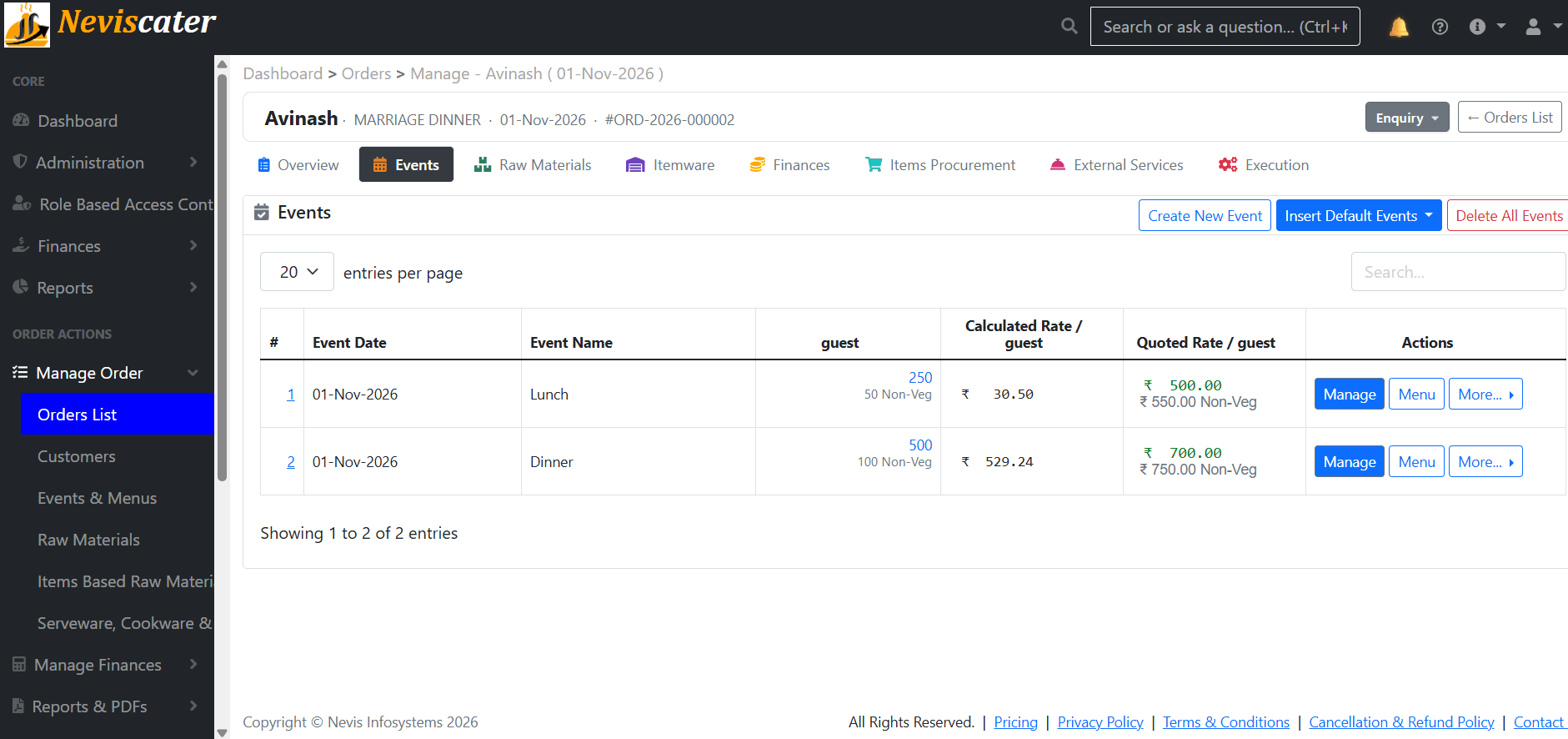
From your own per-guest norms, not an average
Set how much of each item one guest takes (the "design plate"). For any event, Neviscater calculates the quantity of every item on the menu from the guest count, and from the recipes the raw material behind it. Change the headcount from 400 to 450 and every number updates. You can override any suggested quantity with your own, and the quoted quantity is what goes to the kitchen.
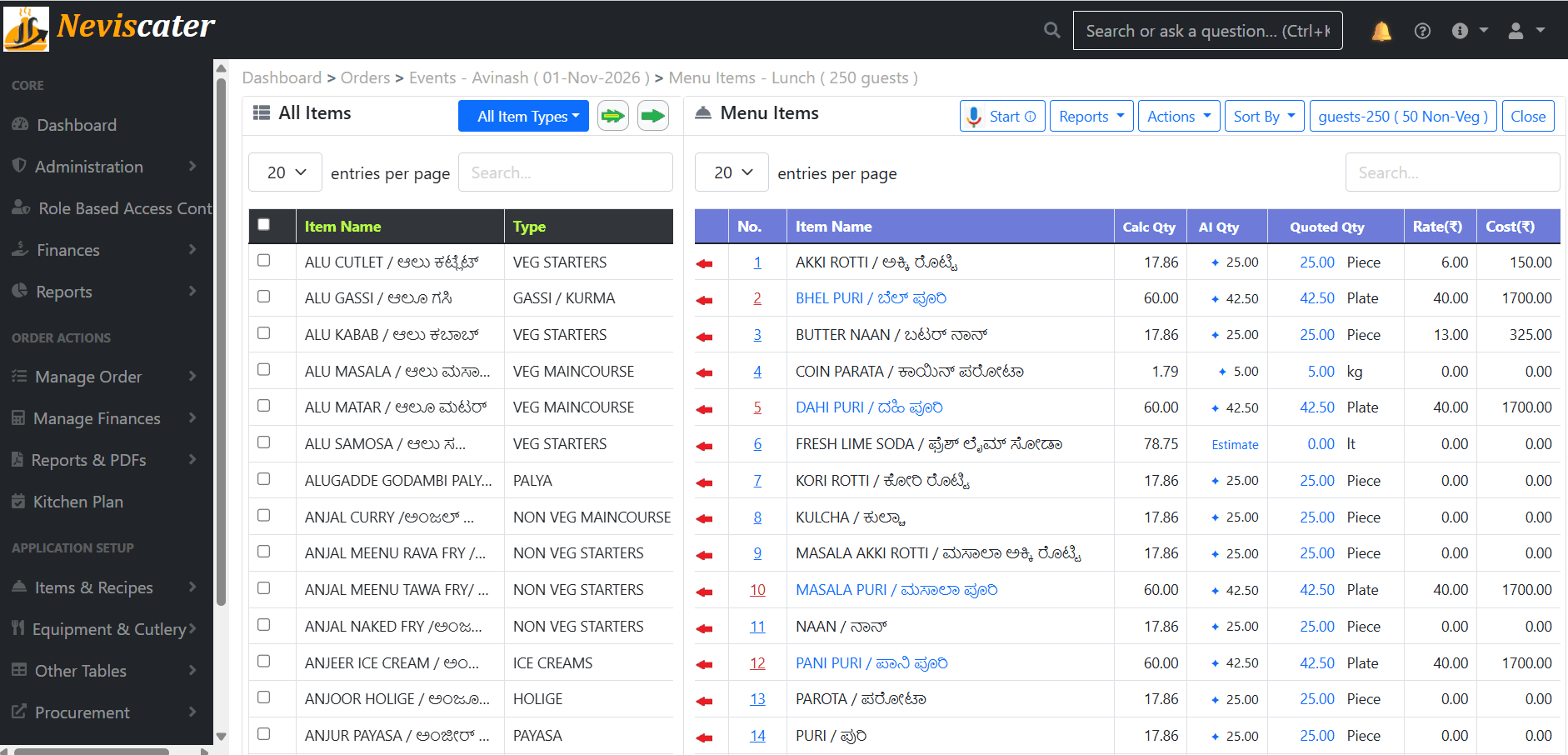
Before the rate goes to the customer
Material cost comes from the recipes and your current purchase rates. Add services (decor, waiters, transport) and miscellaneous expenses, choose which of them fold into the per-plate rate, and Neviscater shows the calculated rate per guest next to the rate you quote. Margin and making cost are visible per event and per order.
Per order, or across orders with Kitchen Plan
Every menu and recipe on the order rolls up into the raw materials needed, in a menu-wise and an item-wise view, with the quantity to procure adjusted for what is already in stock.
Optional stock tracking; switch it on when you are ready
Track stock of materials and items with purchases, adjustments and history. When an order executes, its planned quantities become consumption; after the function you record what was actually used, and the difference is your wastage.
Help: inventory → · Wastage report → · Cookware and cutlery →
Advances, balances, receipts; sent in your name
The bill is built from the event rates, expenses, discounts and taxes. Record advances and payments as they come; the outstanding balance per customer, and across all customers, is a report rather than a memory. Issue a numbered invoice and a receipt for each payment.
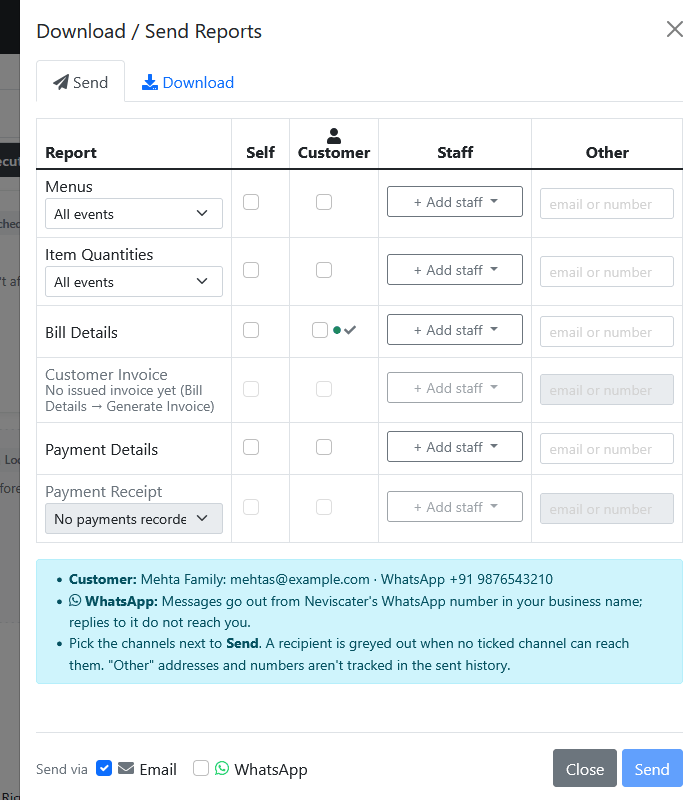
Four styles, your letterhead, your language
Menus, item quantities, raw materials, bills, receipts, payment statements, expenses and equipment checklists, for an order, an event or a catalogue menu. Four built-in styles (Classic, Royale, Metro, Letterhead), your logo and brand colours, and custom templates or background artwork if you want the PDF to match your existing stationery.
Premium
Separate logins for your manager, your accounts person and your kitchen in-charge (2 extra logins on Standard, 5 on Premium), each with a role built from 18 permissions on Premium, so the person who prints the kitchen sheet does not see the margins. An activity log records who changed what and when.
Premium
A link or an embeddable widget that puts your item list or catalogue menus on your website. A visitor builds their menu, enters guests and date, and sends an enquiry, which arrives in Neviscater as an order in Enquiry status. Showing rates is your choice, per menu.
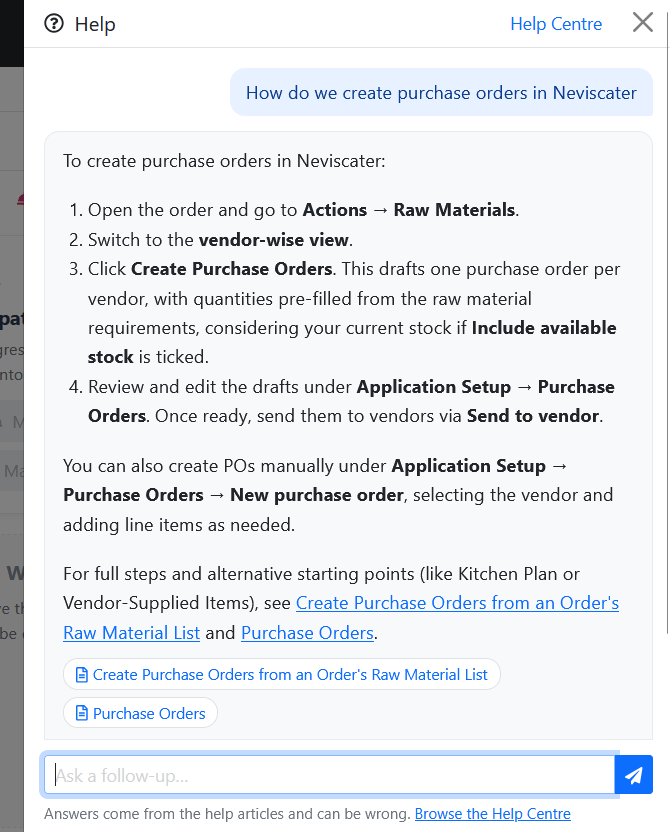
Ask Neviscater, contextual help, Help Centre
Every screen has a "?" that opens the article for that screen. Type a question in the search bar in plain words and Ask Neviscater answers from the help articles, linking the ones it used. It never sees your business data, it says so when the articles do not cover a question, and a thumbs-down tells us where the manual needs work.
Restore points, export, backups
Start the free trial, or book a 30-minute demo on WhatsApp and we will build your next order with you: your menu, your rates, your guest count.